

Software that integrates artificial intelligence is becoming more and more popular and is applied in many different areas of life, including painting. Artificial intelligence software can help users draw beautiful and artistic pictures in just a moment.
In case you want to experience the feeling of ordering artificial intelligence to paint the pictures you want, you can use an application called AI Imagine.
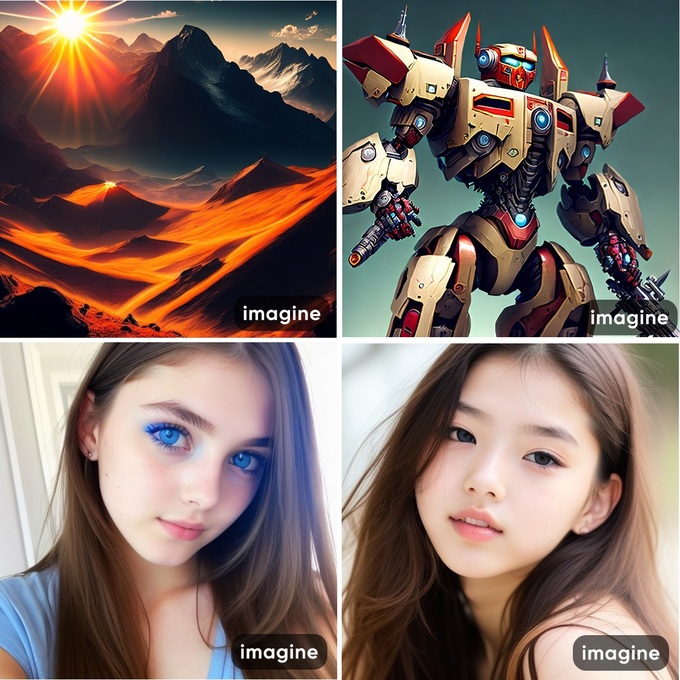
AI Imagine is a painting application integrated with artificial intelligence, allowing users to describe the subject of the picture they want to paint with text, choose a painting style that the user likes... the application will then create beautiful paintings, in different art styles for users to choose from.
AI Imagine's artificial intelligence system contains a database of paintings by hundreds of famous artists with different styles, helping the application to build paintings in the style that users want. favourite.
Currently AI Imagine is in the development stage, has not been officially released on the Google Play app store, so users can only download and install the application through the .apk file (the application installation file format for Android smartphones).
Readers can download the installation file of the AI Imagine application It's free here (compatible with Android 6.0 and above).
Note: in the process of using AI Imagine, if an interface asks the user to pay to use the application, click on the "X" icon in the upper left corner to close the request and continue using the session. Free version of the app.

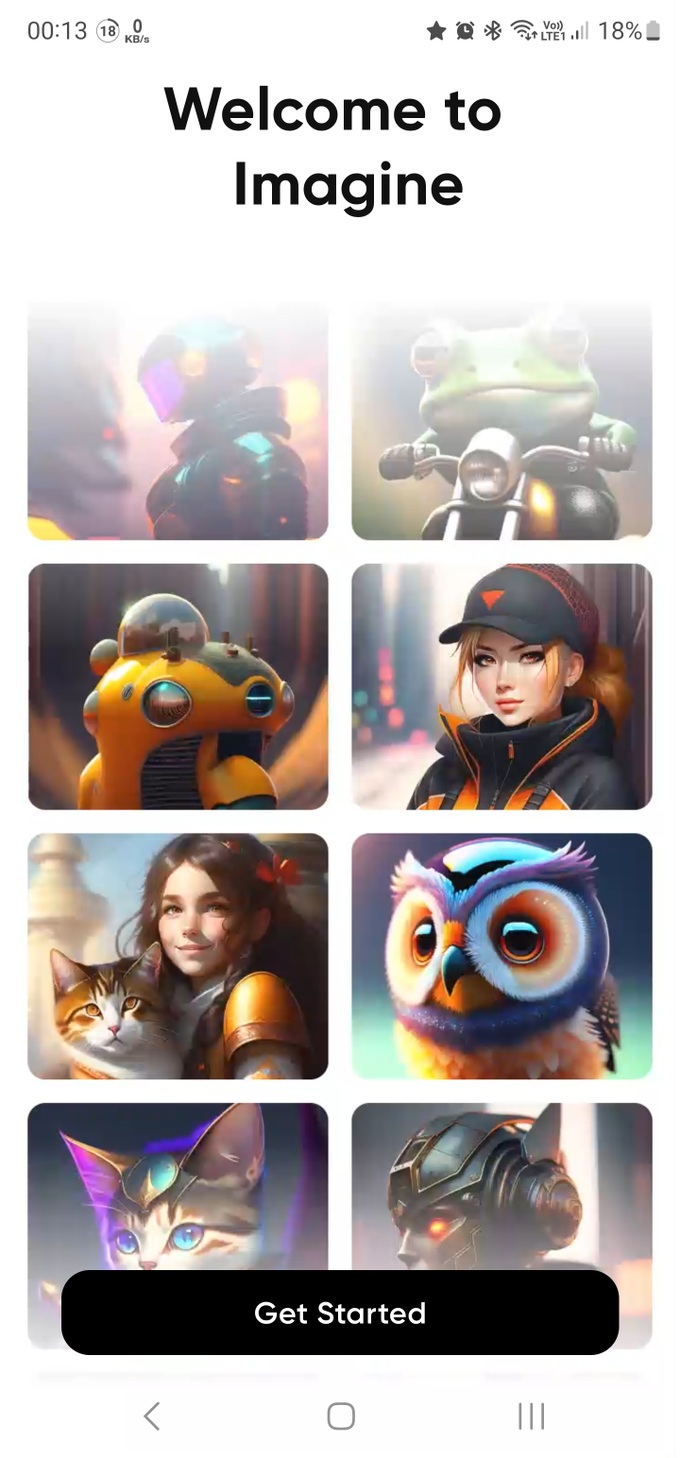
After installing and launching, press the "Get Started" button at the first interface that appears to start using the application.
At the "Enter Prompt" section in the next interface that appears, enter the subject of the picture that you want the AI Imagine application to draw. Here, users can fill in simple English words to describe the subject they need to draw such as "Landscape" (landscape), "Sun" (sun), "Moon" (moon) or "Beautiful girl" (beautiful girl)…
If you are good at English, you can write a detailed description of the content of the picture you want to draw in English, AI Imagine will rely on these details to draw a picture close to the user's requirements.
Click the "+" icon in the "Select Style" section to choose the painting style you want. The application provides many different painting styles for users to choose from such as realistic paintings, cartoons, comics, art paintings, etc.
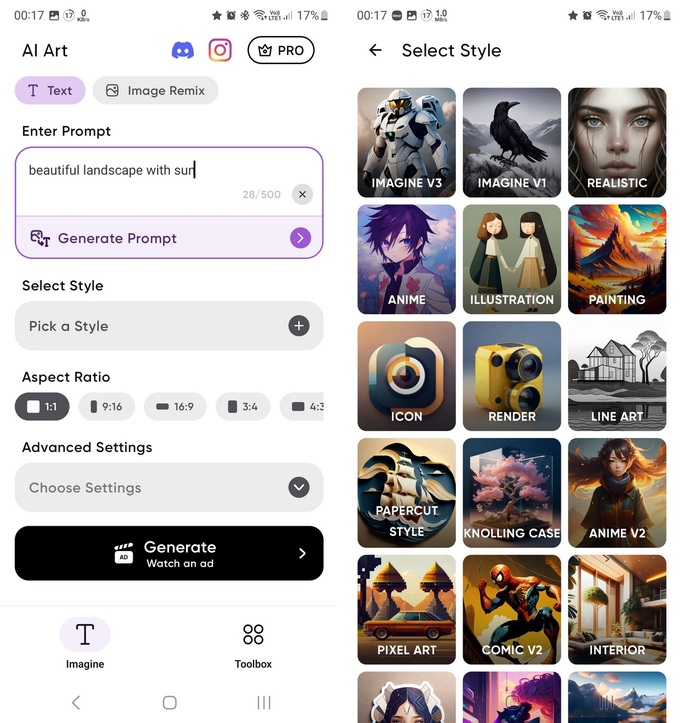
The "Aspect Ratio" section allows users to choose the scale of the picture that they want the application to create.
Finally, press the “Generate” button to let AI Imagine begin the process of drawing the picture requested by the user. Because this is the free version, users will be required to watch a promotional video before the painting process can take place.
After the creation process is over, if you feel the painting is satisfactory, you can press the "Save" button to save the painting to your smartphone. In case you are not satisfied with the picture created by the application, you can press the "Generate More" button to start the application again and draw another picture for the user. You can press this button as many times as possible until you get the picture you like best.
Users can also press the "Enhance" button to optimize AI Imagine and increase the quality of the picture the application has just drawn, making the picture clearer and higher resolution.
 English
  Vietnamese