

5 things you can't do on iOS but Android is carefree
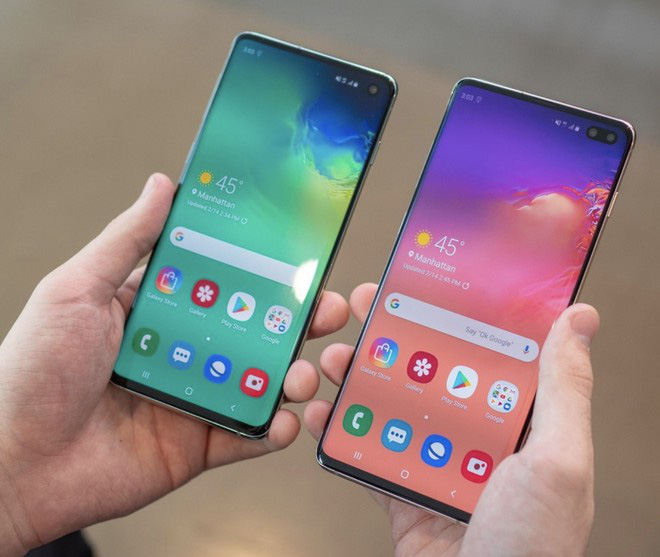
The debates between iOS and Android fans about which operating system is better are endless. In terms of market share, Android far exceeds iOS worldwide, accounting for nearly 80%.
In all fairness, both are trying to increase security and privacy for users, but there are things you won't be able to experience on an iPhone.
Split screen, use 2 apps at the same time
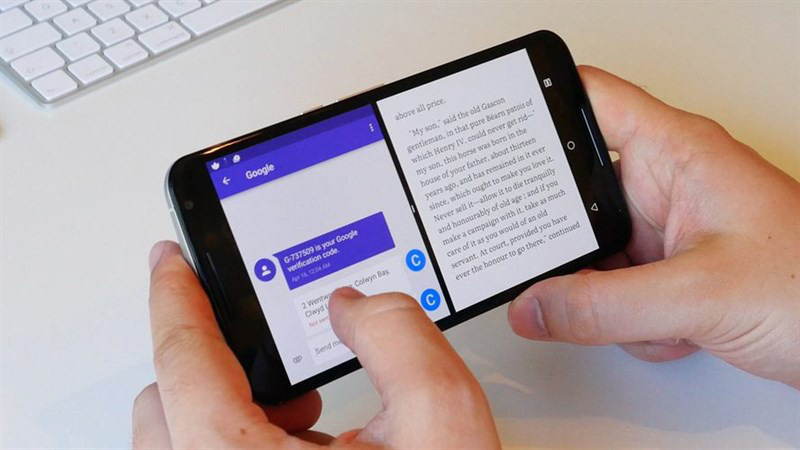
Split screen is impossible on iPhone
In 2020, even though iPadOS 13 supports using multiple apps at once, iOS 13 and most iPhones don't. Meanwhile, Android users have been able to split the screen and use 2 apps at the same time since 2016 thanks to the release of Android 7.0 Nougat.
The split screen feature is very useful. For example, you need to send a phone number to someone on Facebook Messenger but can't remember their number. Split screen, with one side is contacts, the other is Facebook Messenger will help you do this faster.
Called split, but you can completely adjust the size of two small and large applications as you like.
Google Assistant virtual assistant
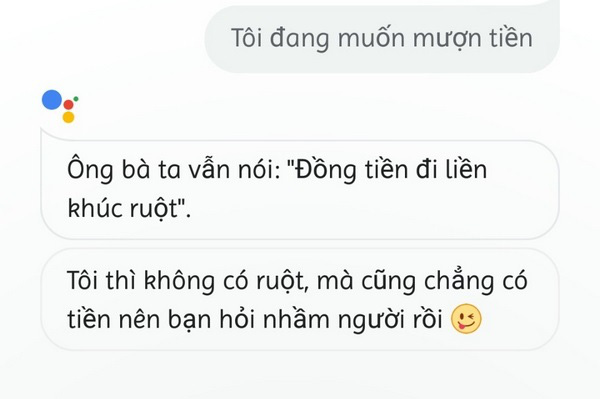
Do not lend money in the style of “Google sister” – Screenshot
"Sister Google" as many Vietnamese people still call it fun is another outstanding point of Android compared to iOS. Just say "OK, Google" or "Hey, Google" on your Android phone and you can command the virtual assistant in Vietnamese, for example, find the way to the nearest restaurant, open an app on your phone. or call someone in your contacts.
Or if you need someone to "eight", Google Assistant will answer you with "very salty" sentences, distinguishing intonation from North to South.
Meanwhile, although the number of Vietnamese using iPhone is not small, Apple has not yet updated the Vietnamese language for Siri virtual assistant. The virtual assistant can speak up to 21 languages, but not Vietnamese. This makes the user's experience with iPhone limited in Vietnam because it has to be correctly pronounced in a foreign language for Siri to understand and listen.
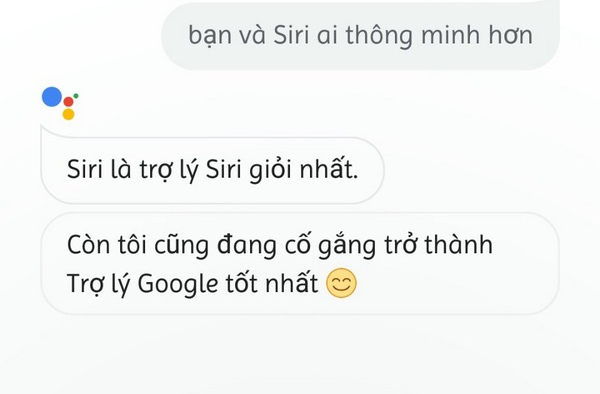
The sarcastic answer of “Google sister” when asked to set up – Screenshot
Unleash your creativity on your home screen
iOS puts all your apps on the home screen, so users can simply swipe left or right to select what they need as soon as they open the device.
Meanwhile, Android phones are separated into 2 main screen and application screen. This is like a house, what you see on the main screen is the door and the application screen is the place where everything is in the house.
You will see the home screen with some apps immediately after unlocking. Deciding which app will appear on the main screen depends on your usage habits. For example, if you often chat and surf Facebook, you will bring this app out to the main screen. This will help save time.
You can also freely add widgets such as weather and clock to the home screen.
Picture-in-picture feature
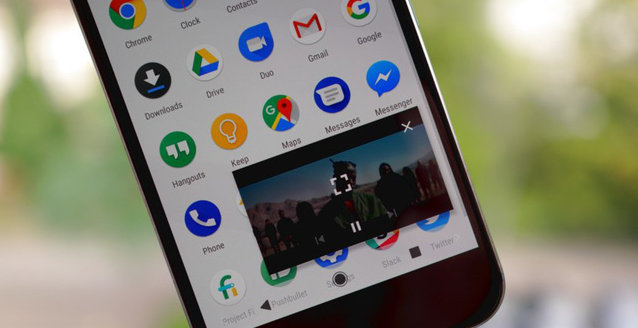
Videos on Youtube will be minimized and played in the corner of Android phones thanks to the picture-in-picture feature – Screenshot
In 2017, Google introduced the Android Oreo operating system, allowing users to both watch YouTube videos through a small window on the home screen, and open another application such as messaging or surfing the web.
iOS does not have this feature at all. If you are watching a video on Youtube and have to reply to an important message, you will have to log out and Youtube will close itself. So you have no way to watch videos and text messages at the same time, unless you are using an iPad.
Wallpaper changes automatically every day
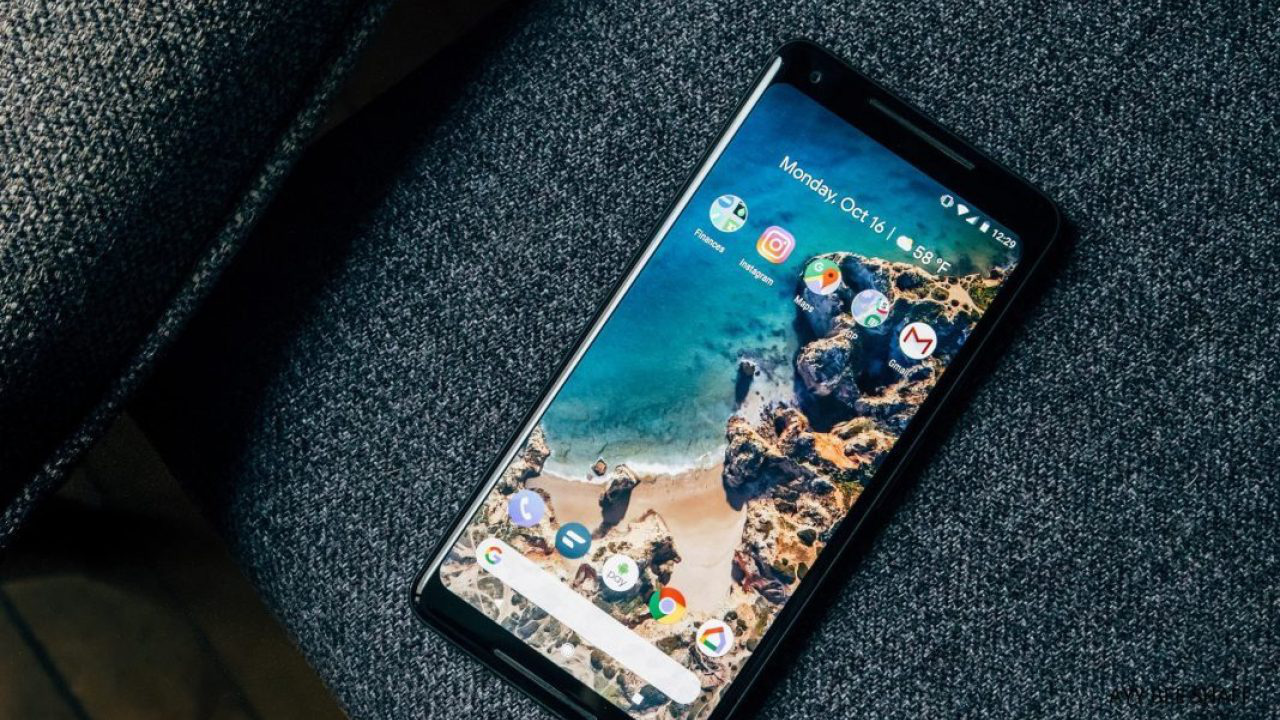
Google's Wallpapers app will keep your phone fresh every day with fresh wallpapers. You don't need to waste time selecting and downloading and then going back to settings to change the wallpaper like iPhone, Wallpapers of Google will automatically change the wallpaper every day even if you don't touch your phone.
From TTO
 English
  Vietnamese