

Simply touch and hold to separate people, pets, or other items from your iPhone photos
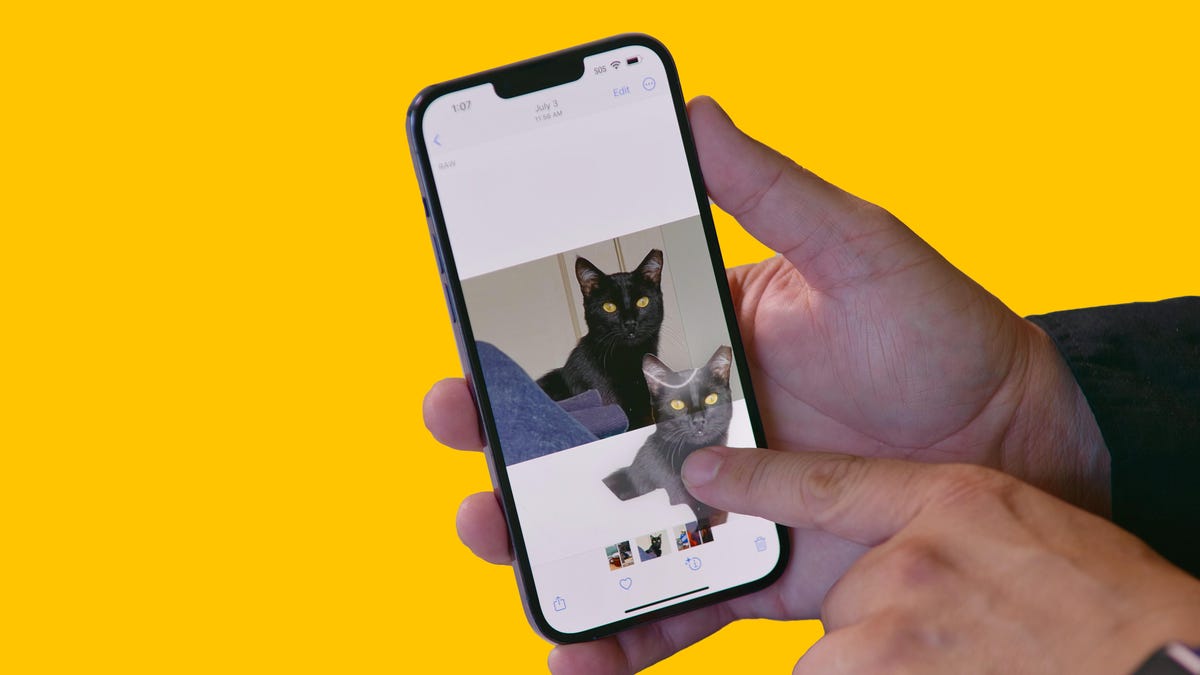
With iOS 16, it's easier than ever to separate items from photos.
If you use an iPhone running iOS 16, you must try one of the coolest new features. This tool has no official name, but allows you to separate the subject of a photo, such as a person, from the background. All you need to do is tap and hold on a photo to work. If you keep holding, you can “lift” the crop out of the photo and drag it into another app to post, share, or create a collage, for example.
iOS 16 was released alongside the iPhone 14 series with many exciting new features. Before iOS 16, if I wanted to remove the background of a photo, I would need to use an app like Adobe Photoshop. But the great thing about this tool is that it's built right into iOS 16, eliminating the need to download a special app or set up an account.
Technically, the taff-and-lift feature is part of Visual Look Up, which was first introduced with iOS 15 and can recognize objects in your photos like plants, food, landscapes and even pets. In iOS 16, Visual Look Up lets you lift that object out of a photo or PDF by doing nothing but tapping and holding.
From the Internet
 English
  Vietnamese