
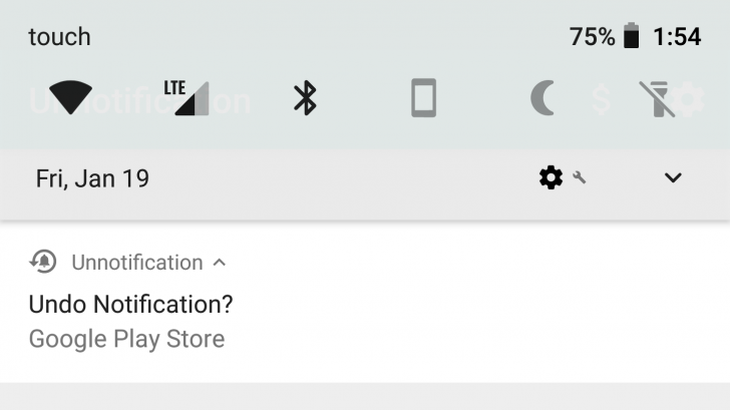
Sometimes for any reason you accidentally delete the notifications displayed on your Android phone without having time to see it and then don't know how to reopen it.
Photo: ANDROID POLICE
According to The Verge, you can find all those notifications in the Notification Log option, or use the Unnotification feature on phones running Android version 8.0 and above to redisplay missed notifications. .
First of all, the way to "pull" the Notification Log feature is as follows: Long press on the home screen, tap on the small applications (widgets), scroll down to the "Settings shortcut" section, select the Notification Log item. . Place this widget on your home screen, tap it and scroll down to the available notifications section.
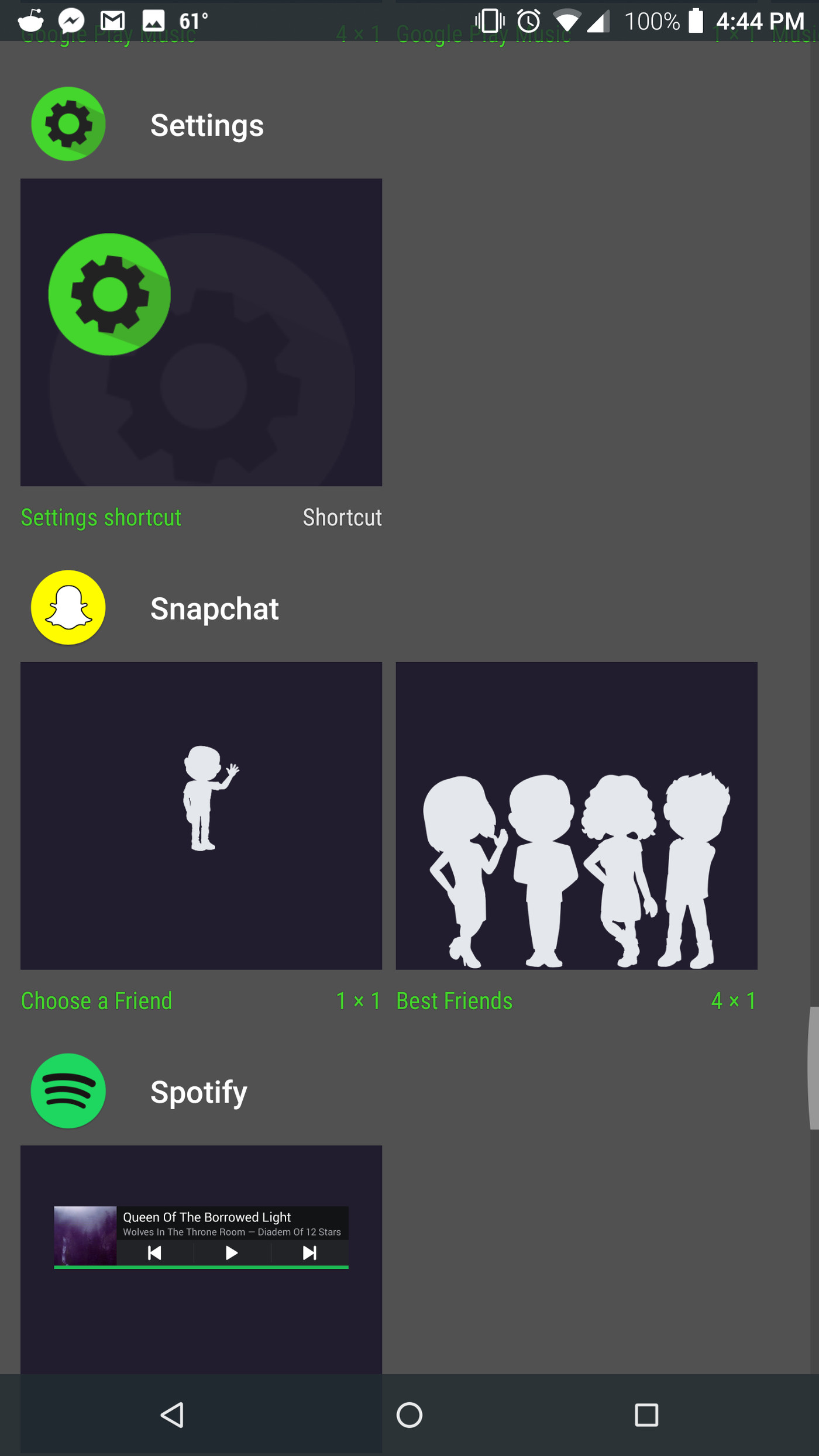
Photo: ANDROID POLICE
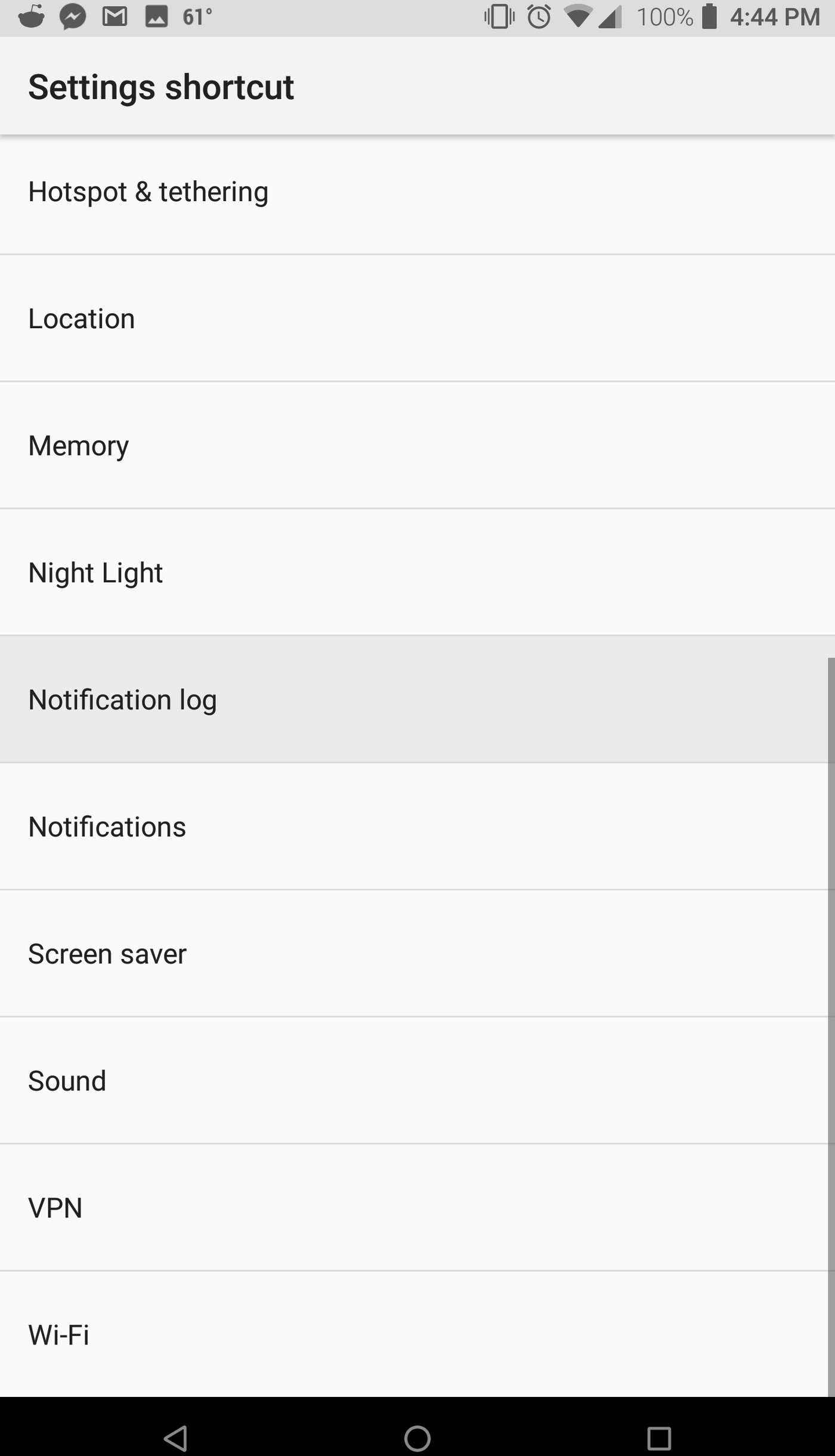
Photo: ANDROID POLICE
However, one point to note is that not all Android phones have the Notification Log feature. For example, this shortcut is only available on Google Pixel 2 XL, Pixel 3 and Razer Phone 2 but not on Samsung Galaxy S9 and LG G7.
 English
  Vietnamese